PointFire Multilingual Audit
Find the gaps in your multilingual SharePoint
See what’s missing, outdated, or unavailable in each language.
The free PointFire Multilingual Audit checks your SharePoint sites for multilingual gaps across pages, documents, metadata, links, and language settings. Get measurable evidence of translation coverage, freshness, availability, and timeliness—with a prioritized list of what needs to be translated or updated.
Free to install and use. No commitment.
Example audit report
Find the pages, documents and UI that need attention.
Your SharePoint is multilingual. Are your employees getting the same information?
If your users suspect that what they see in their language is not the same as what their colleagues see in the original language, they won't use it.
Having a French version of a SharePoint page doesn't necessarily mean that French-speaking users are getting the same information at the same time.
Find pages, documents, and interface elements that still need translation.
See where the source has changed since the translation was last updated.
Identify gaps and gather measurable findings for your next review.
Quantify your translation backlog and measure progress by running the audit again.
Locate missing translations across navigation, labels, and metadata.
Review language preferences and identify translations that exist but aren’t available to users.
The PointFire Multilingual Audit looks at these issues systematically and gives your SharePoint environment an objective multilingual score in each area.
Four measures that matter
For pages, documents and UI — four dimensions of multilingual coverage.
Required languages
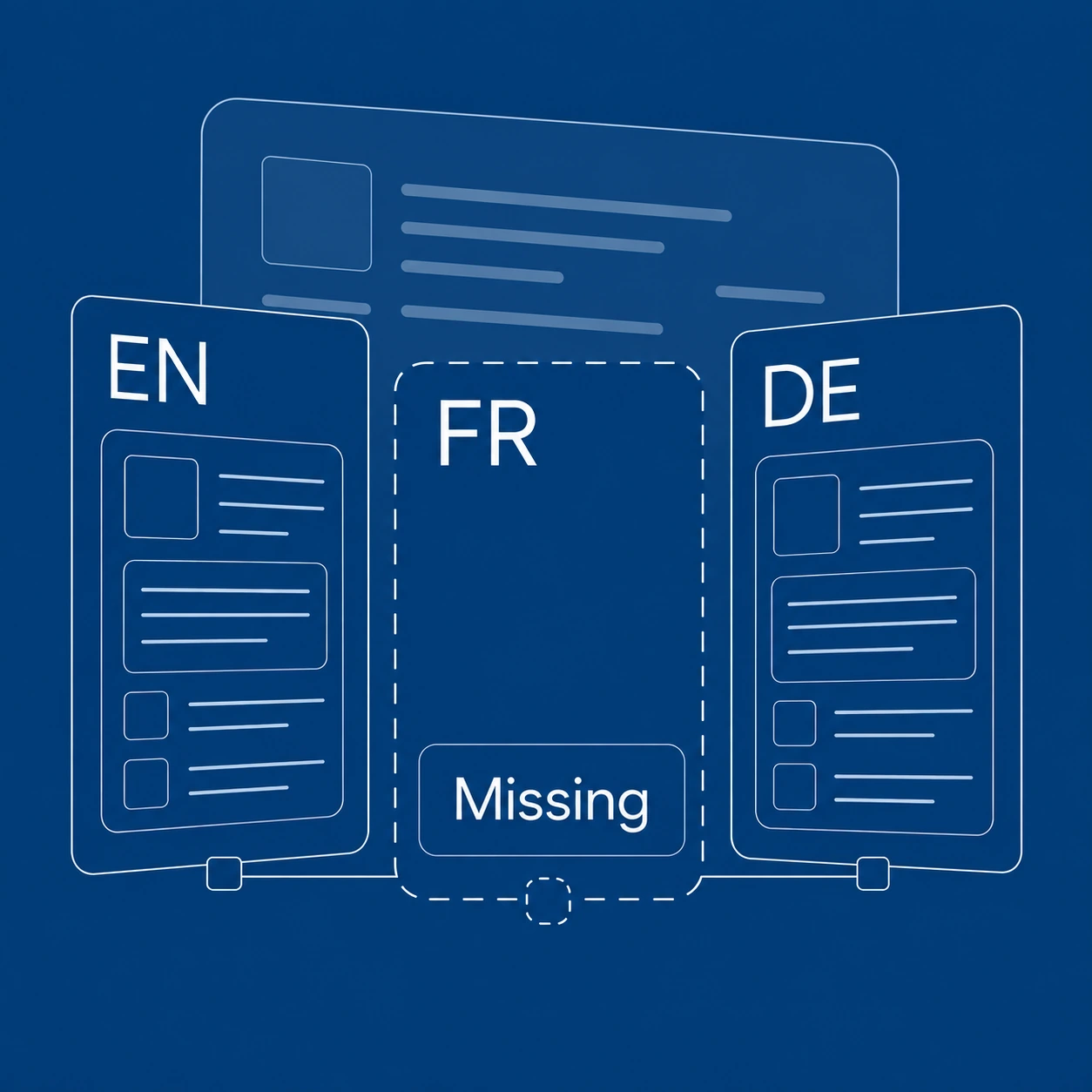
Coverage
Find missing translations across pages, documents and UI.
Latest source content
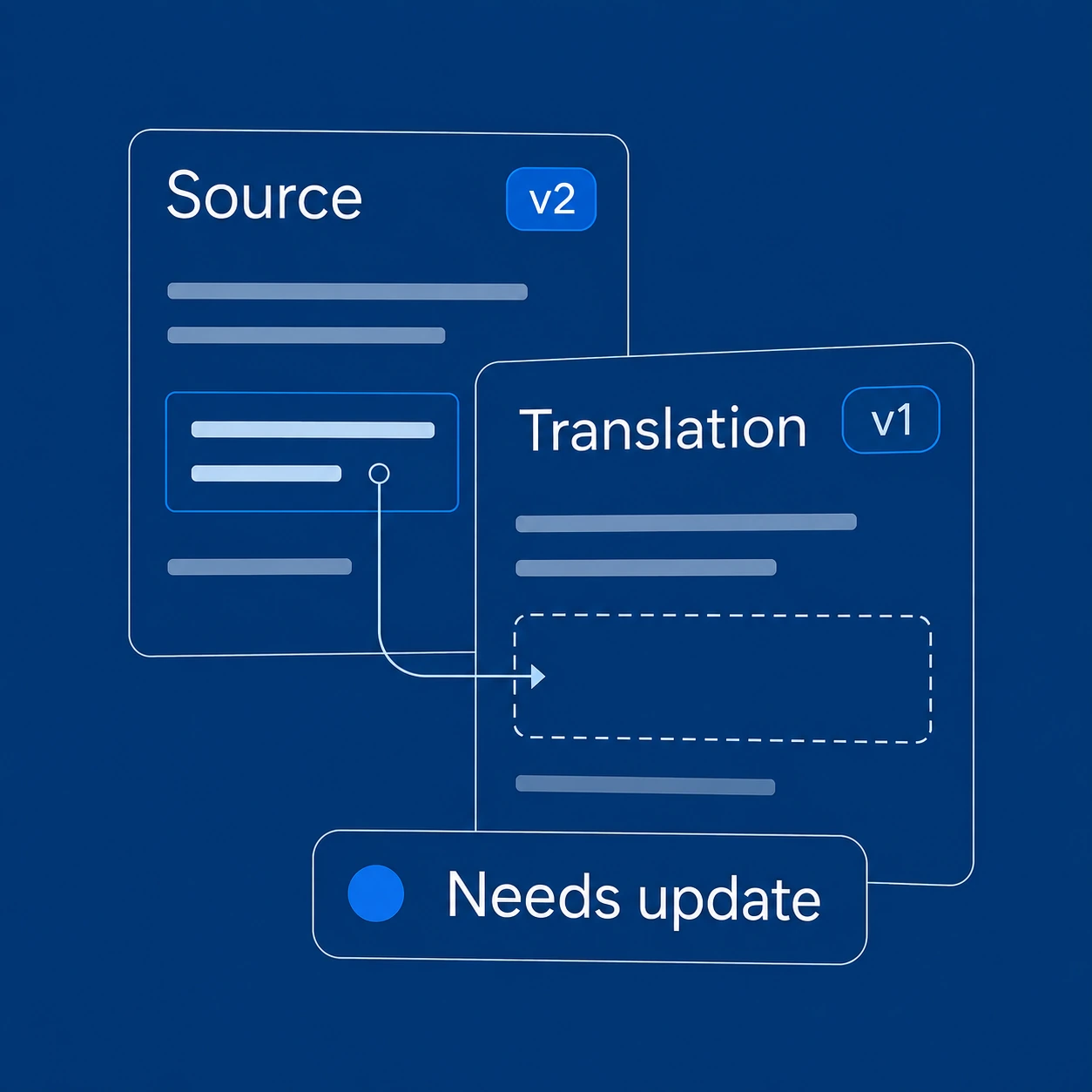
Freshness
See which translations no longer match the latest source content.
Published and visible
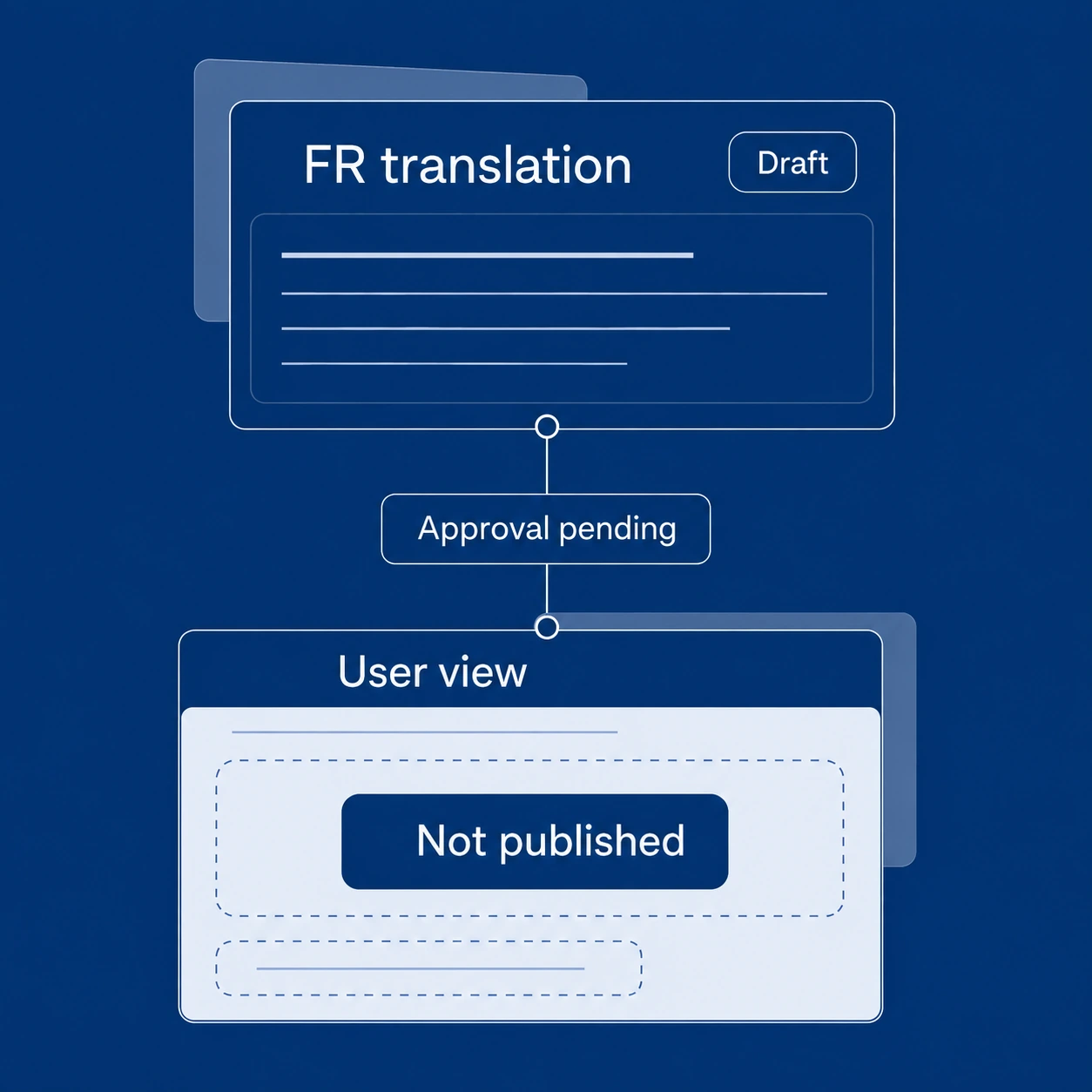
Availability
Check whether the latest translations are published, approved and visible to users.
Source to translation
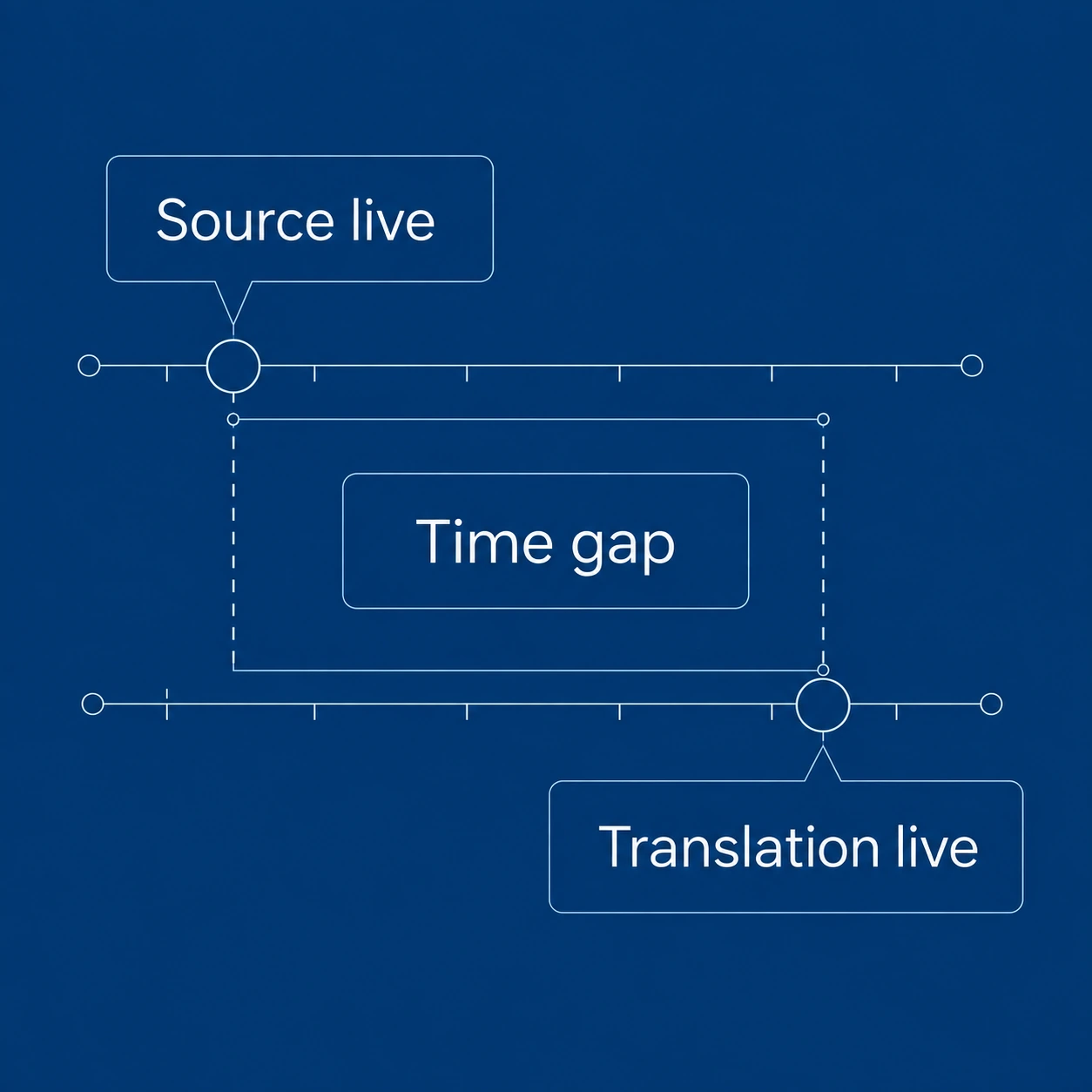
Timeliness
Measure the time between publication of the source and its translation.

Built with government regulations in mind
The Multilingual Audit is guided by the principles and requirements of different jurisdictions with official languages.
But you don't have to be subject to regulations to use it.
Useful for any multilingual organization
The same problems occur wherever organizations publish content in multiple languages.
Site owners, SharePoint admins & internal communications
Find content gaps and help employees across regions get current, accessible information in their preferred language.
Auditors, compliance officers & executives
Gather evidence for language reviews, understand the scope of outstanding work, and track progress over time.
Consultants & project managers
Scope multilingual improvements for your organization or clients, prioritize the translation backlog, and measure results.
Whether your requirement comes from legislation, corporate policy, accessibility goals, or simply a commitment to providing an equal experience to users in different languages, the audit gives you a way to measure your current state and determine what needs to be done.
Start with a free audit
The tool works entirely within your tenant, and data access is read-only. No one but you has access to this information. You don't need to install a translation system or commit to a translation service.
The audit provides a simple way to understand where your SharePoint environment stands. More importantly, the audit lets you track improvement over time. Run the audit again after addressing your translation backlog and see whether your scores improve.
Your SharePoint tenant
Content & UI
Audit
Read-only
No information leaves your site.
Discover what your users see—and what they're missing.
The PointFire Multilingual Audit analyzes your existing SharePoint multilingual environment and shows you where the gaps are.
Free to install and use. No translation service required.
See what the audit checks ↑