Copilot Readiness Includes Language: Translating Your SharePoint Content and User Interface Matters
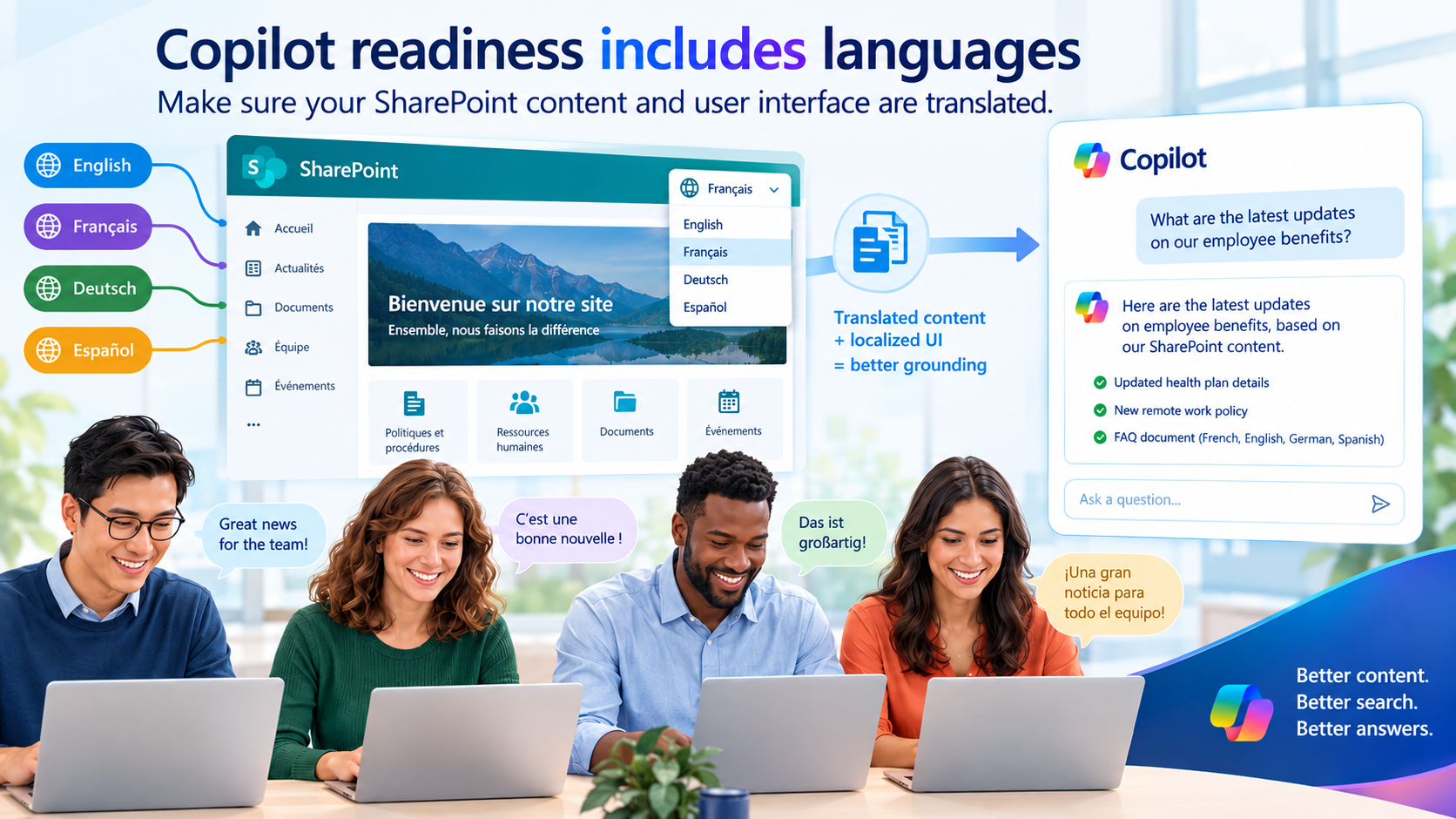
Microsoft Copilot can work in multiple languages: it can understand prompts in supported languages, respond in those languages, and use content written in one of many languages as grounding material. The harder problem is cross-language retrieval: a user may have prompted Copilot in Spanish while the best source content exists only in English, and Copilot may not reliably find that source content before it tries to answer.
In brief
Copilot is not good at finding information that is not in the language of the end user. Copilot readiness includes translating pages and documents, even lists if possible, and many portions of the user interface also affect the performance of chat, agents, and other AI components.
The Core Readiness Issue
The practical point is simple: multilingual Copilot readiness is not only about whether Copilot can understand a user’s prompt. It also matters whether the content, labels, metadata, and user interface elements Copilot depends on are available in the language the user is working in.
Microsoft Copilot can work in multiple languages: it can understand prompts in supported languages, respond in those languages, and use content written in one of many languages as grounding material. The harder problem is cross-language retrieval: a user may have prompted Copilot in Spanish while the best source content exists only in English, and Copilot may not reliably find that source content before it tries to answer.
Why Cross-Language Retrieval Matters
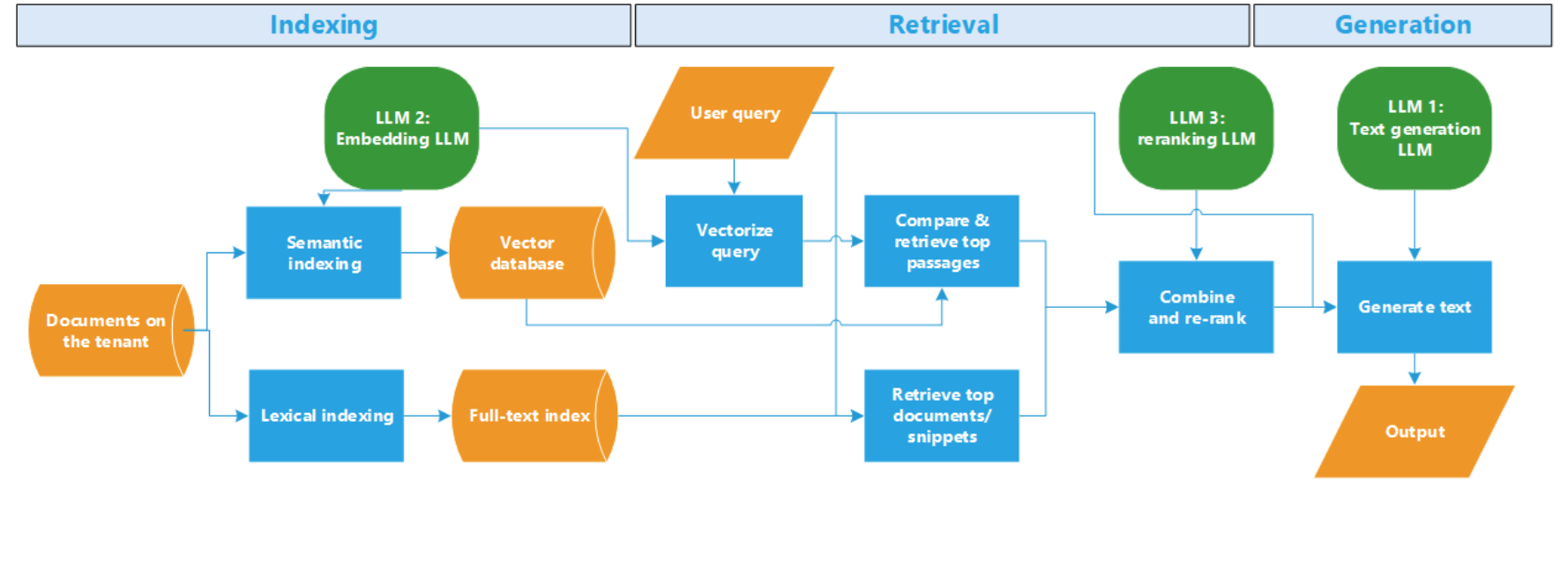
When Copilot looks for information in your tenant, retrieval can involve both traditional keyword-style search and retrieval using a semantic index. The important point for multilingual readiness is that both these retrieval paths can find information that is in the same language as the prompt but are less likely to find relevant content stored only in another language.
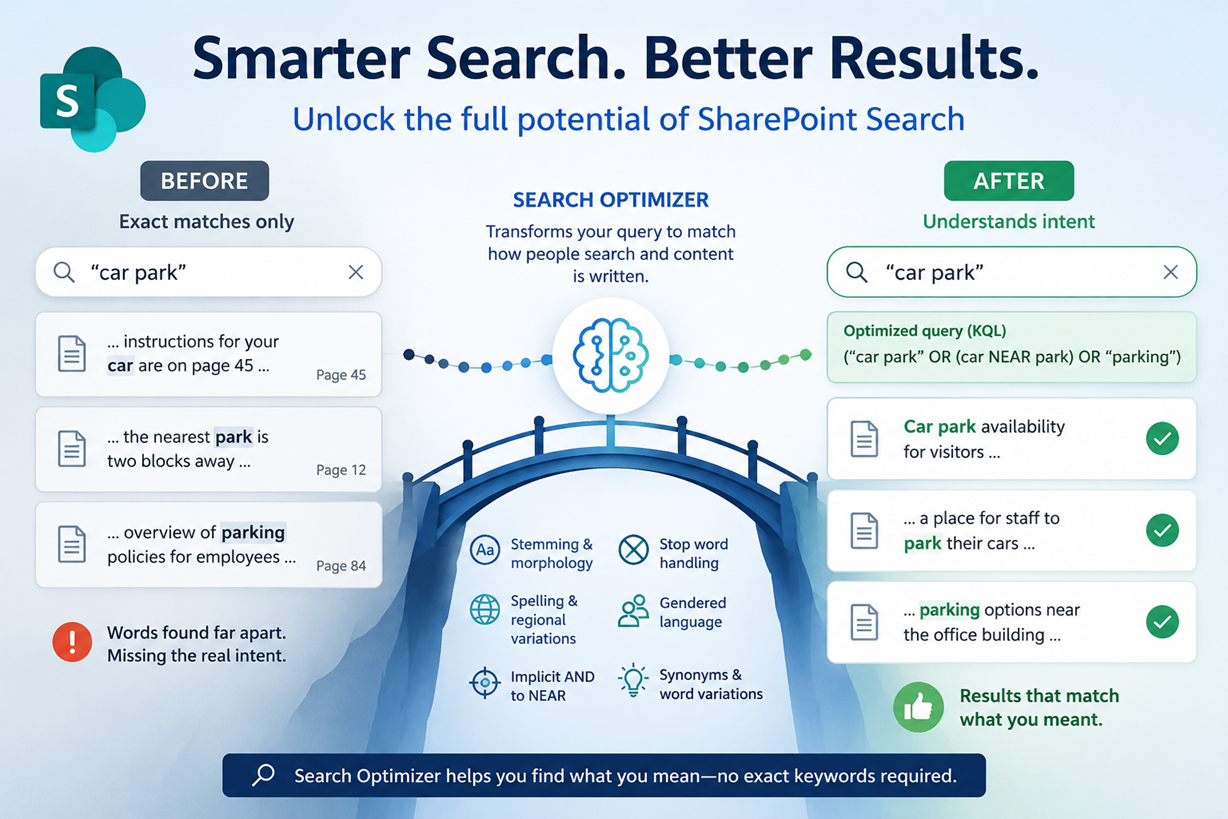
For keyword search, this is relatively easy to understand: if you search for the word "report", you will not find much Spanish content, you need to search for "informe", and vice-versa. While semantic indexes are sometimes described as indexing meaning, not words, in a language-independent way, this is not true, it is just an image, a metaphor to help explain how they work. Semantic indexes use "embeddings", a function that maps words onto a vector space, and that puts words that are interchangeable in many sentences close together. So roses are close to lilies because they co-occur with other words like bouquet, garden, and fragrance, not because it knows anything about meaning. Even the best multilingual embeddings, not the one used by Copilot has a success rate of about 50% percent across languages, and lower still across language families.
The practical implication is that Copilot may converse fluently in Spanish while grounding its answer poorly if the relevant source material exists only in English and is not retrieved. In that case, the answer may sound useful, but it may not be based on the best documents or pages in the tenant.
Metadata and Interface Labels Matter Too
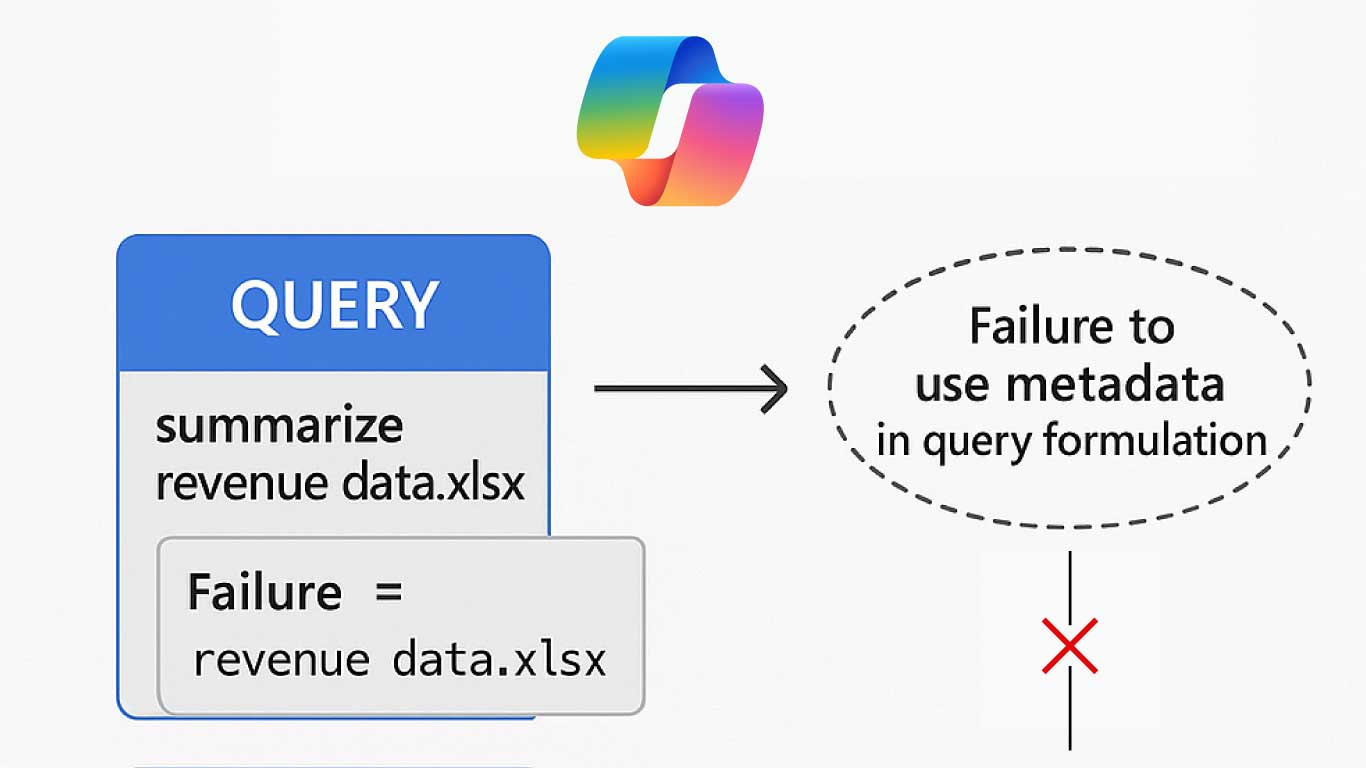
This is true particularly for text, but even metadata and column names, and some aspects of the user interface will affect Copilot, including chat, Cowork and Work IQ. Copilot uses Graph, which itself uses the REST API. Site, list, and library names, and column names can be different in different languages. While Graph, or more precisely, Graph queries against the Substrate, tends to use language-independent ways of specifying which list or columns it wants to query, the Copilot Orchestrator is going to look for names of sites, lists, and columns that are in the user's language. It might find them across languages, and it might not.
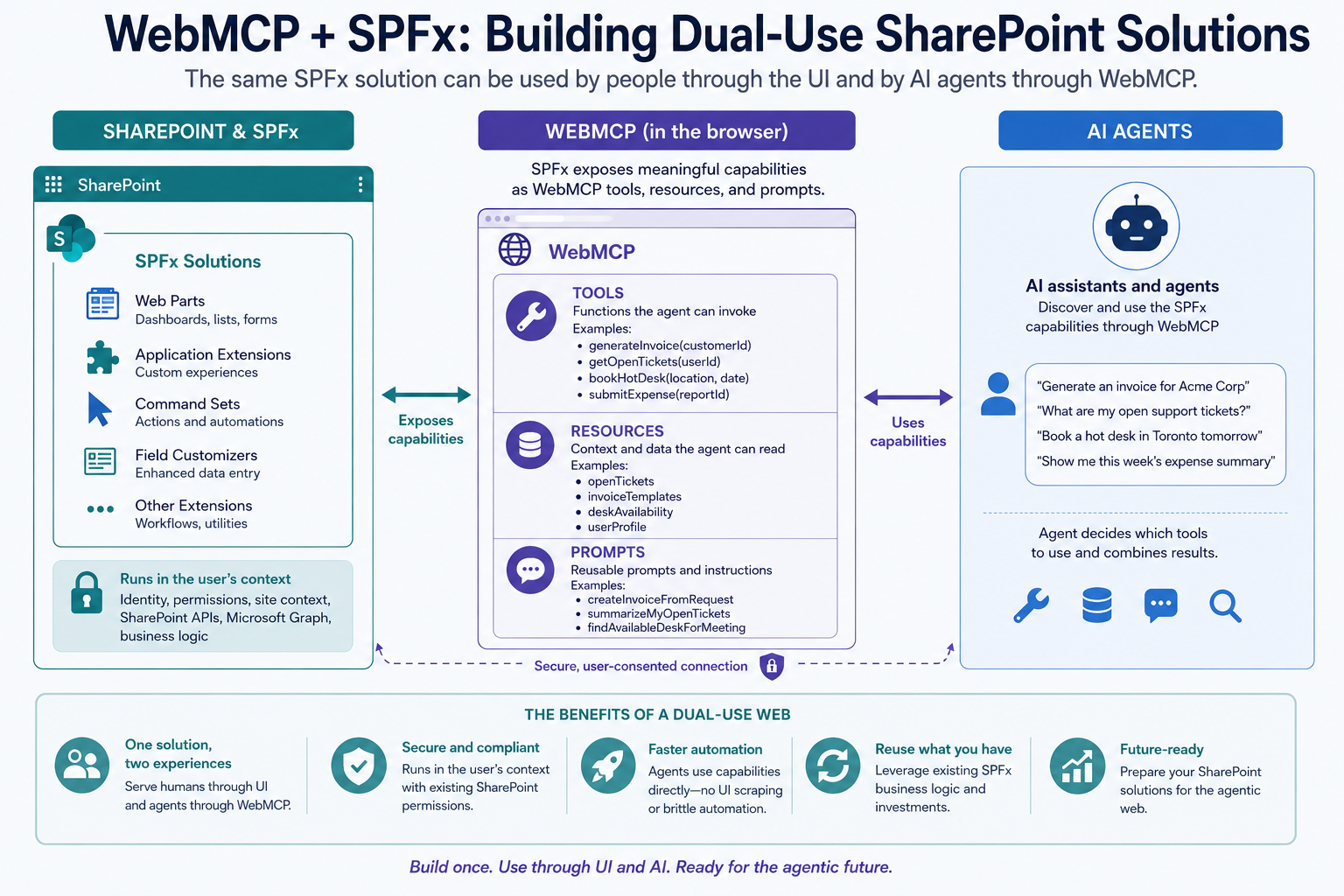
Besides list and column names, some Copilot extensions, Copilot Studio, custom agents, and automation patterns may depend on page structure, labels, controls, or other user interface cues. If those interface elements exist only in one language, the experience may be less reliable for users working in another language.
Because Copilot will only work correctly when not only content, but also the major user interface elements, and some interactive UI elements are in the language of the user, you have to provide content and UI in the language in which your users will interact with Copilot. You can't rely on Copilot's ability to translate. Before Copilot can translate anything, first it has to find it.
Supported Languages Are Necessary, Not Sufficient
There is a large overlap between the languages supported by Copilot and those supported by SharePoint and SharePoint search. The only ones Copilot is missing are Basque, Dari, Galician, Irish, and Kazakh. If you try to use these, it will generally trigger an unsupported-language error. If your UI is not well translated, you may also get this error. However, whatever language your users are using, the odds are good that Copilot will work in that language, as long as the content is there.
Considering languages when using AI in SharePoint doesn't end there. When you are writing agents, you have to make sure to make them multilingual, by adding alternate languages and localizing, just like in SharePoint. And although not much has been written about how SharePoint Skills act across languages, you should also consider providing them with vocabulary in the languages in which they will be prompted, and in which the content will be found if the Skill needs to read the text or metadata.
Bottom Line
Starting in English and hoping it works in other languages isn't a strategy. Copilot does not work reliably across languages and translating on the fly is not an option. Translating the content and the most important parts of the user interface is an important part of Copilot readiness.
Make multilingual SharePoint easier.
Try PointFire in your own SharePoint environment and see how it works for your team.