Syntex Translation: Hidden Features and Irritants
While working on an upcoming free app that will audit your multilingual SharePoint sites for missing, outdated, mislabeled, or orphaned translations, I ended up reverse-engineering parts of Syntex Translation that I haven't seen documented anywhere.
In brief
While working on an upcoming free app that will audit your multilingual SharePoint sites for missing, outdated, mislabeled, or orphaned translations, I ended up reverse-engineering parts of Syntex Translation that I haven't seen documented anywhere. Microsoft now calls it "Document Processing for Microsoft 365", but to me it’s still Syntex.
When Syntex translation in SharePoint tries to translate a document to a language that already has a translation, it may give you an error message that there is already a translated copy of this file in that language. How does it know, and why do you care?

What I discovered
After some experimentation, it seems Syntex relies on two factors to determine if there is already a translation. The first is a hidden column called "TranslatedLanguage", which I put into a view to inspect it.
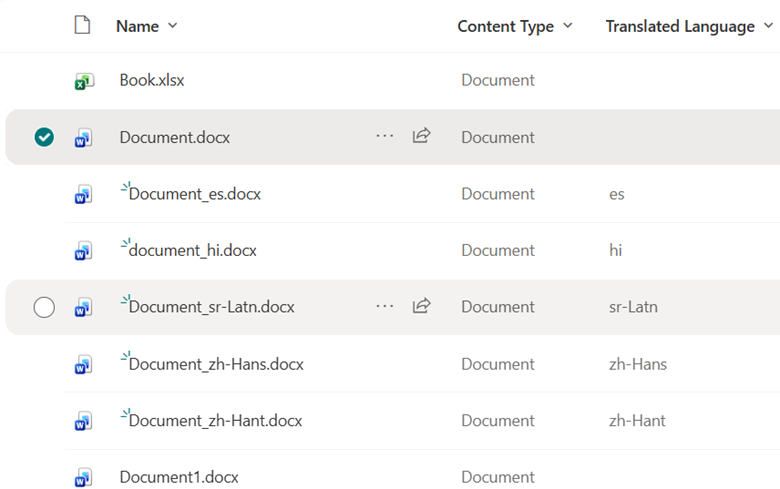
For Syntex translations, the value of the hidden TranslatedLanguage column is the short code of the translation language. This is the Azure AI Translator language code, which might differ from the SharePoint language code. The original source document does not get a value for this column.
The second factor, surprisingly, is the naming convention of the document’s file name. If you change the name of either the source file or the translated file, it will stop recognizing the translation. For example, I changed the file name from "document_es.docx" to "document_fr.docx", without changing the content nor anything else, and suddenly I can't translate this document to French, but I CAN translate it to Spanish again. This shows that Syntex actually looks at the last characters of the file name.

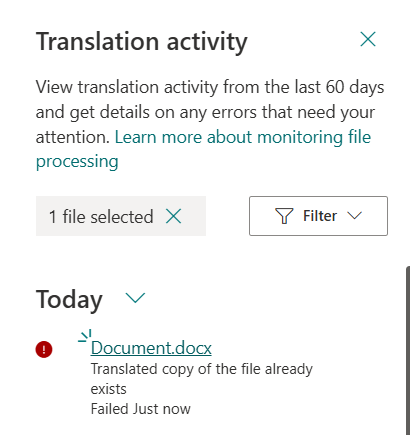
After more tinkering of file names and metadata to put them back, it eventually allows the translation language again, but it silently fails to translate a minute later.
Retranslation of updated documents
Does Syntex allow re-translation if the content of the original has changed? No. You can translate once per document only. If there was an earlier translation, you can't retranslate. You have to delete the translation so that you can re-translate, but then you lose the version history of the translation every time.
Some Other Irritants
I found a long list of irritants while using Syntex translation, but here are just a few:
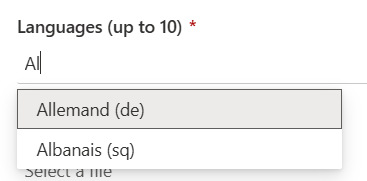
1. In the language picker, you can't search for the language code like "es" for Spanish, “de” for German, "nl" for Dutch, etc, you have to search for the name of the language in the current language. For instance if you want to translate to German you can't type "de"

2. The names of the available languages follow your browser’s language settings, not the current interface language of the site and of the language picking form. In my case, the site displayed in English, the language in my M365 profile, but my browser’s preferred language was French, so I had to search for "Allemand", the French word for "German". See the mixed-language dialog?
3. Many language names are not correctly localized but appear in English instead.

4. The "learn about translation glossaries” short link is broken and birngs up a sign in error.
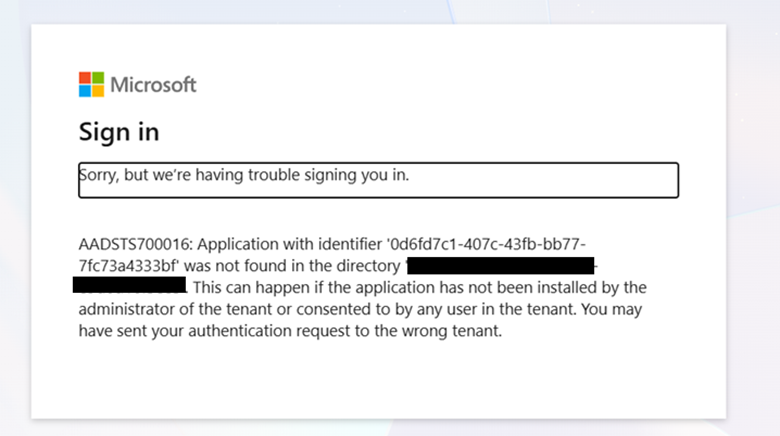
Speaking of the translation glossaries, if that link had worked, it would have explained to you that the reason that you can't pick glossary files a lot of the time is that they don't support more than one language at a time. Glossary files are a single-language-pair CSV, TSV, TAB, or XLF (XLIFF 1.2 legacy format) files in the same document library.
Comparing Syntex with other translation methods
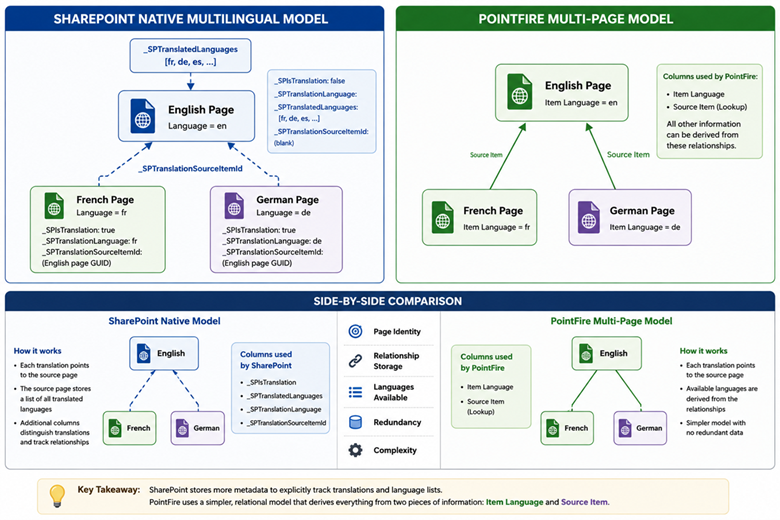
First, the way that SharePoint translates documents and the way that it translates pages are so different that there is no basis for comparison.
The free version of PointFire Translator Express also translates documents. There are many similarities, but it differs from Syntex translation in a few key respects, presented here in table form.
How this information helps you
None of these limitations prevent Syntex Translation from being useful for occasional document translation. However, they become increasingly significant for organizations that routinely maintain multilingual content. Small implementation details—such as relying on filenames to identify translations or requiring translated documents to be deleted before they can be refreshed—create additional administrative overhead that quickly becomes noticeable at scale.
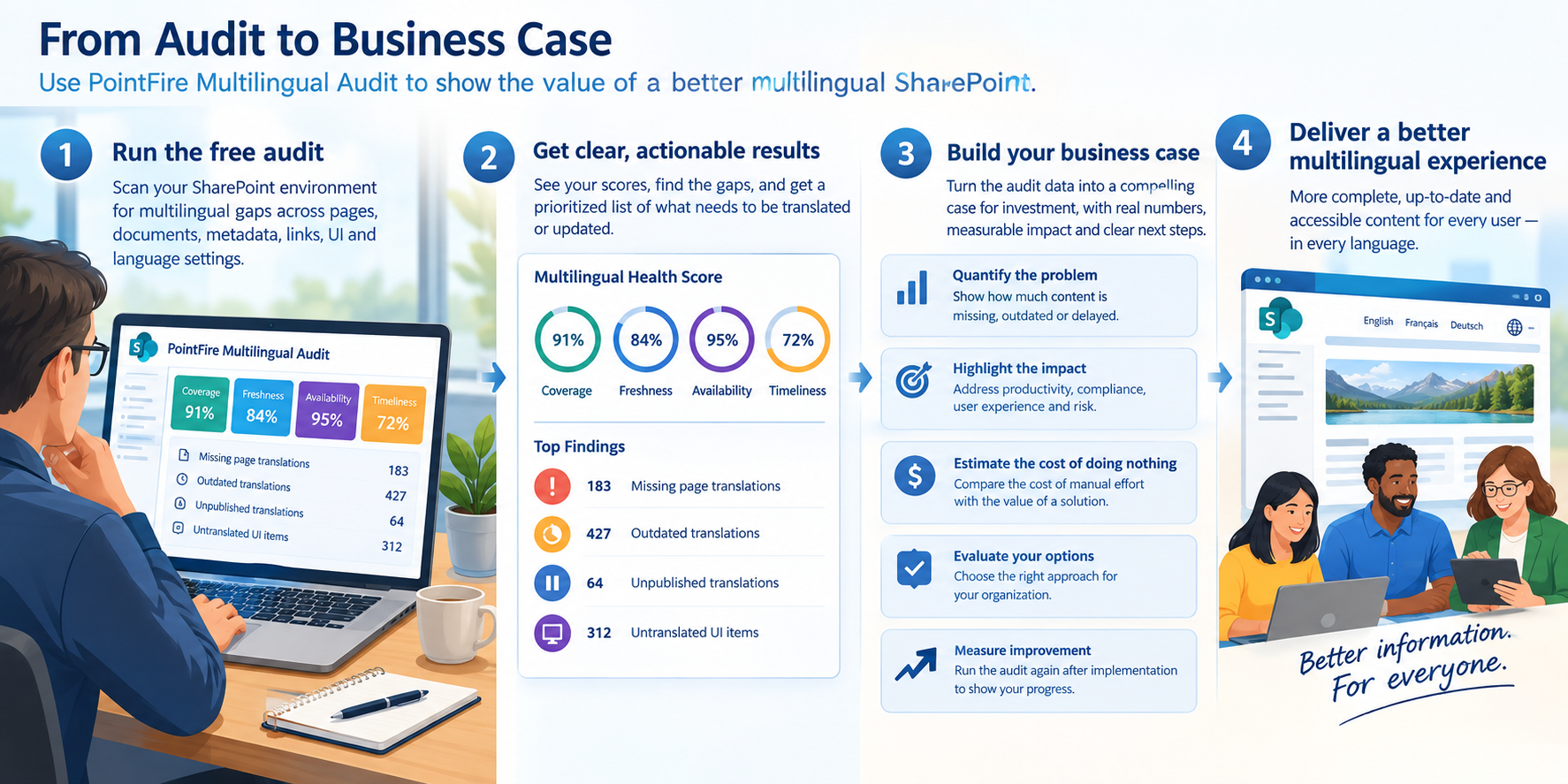
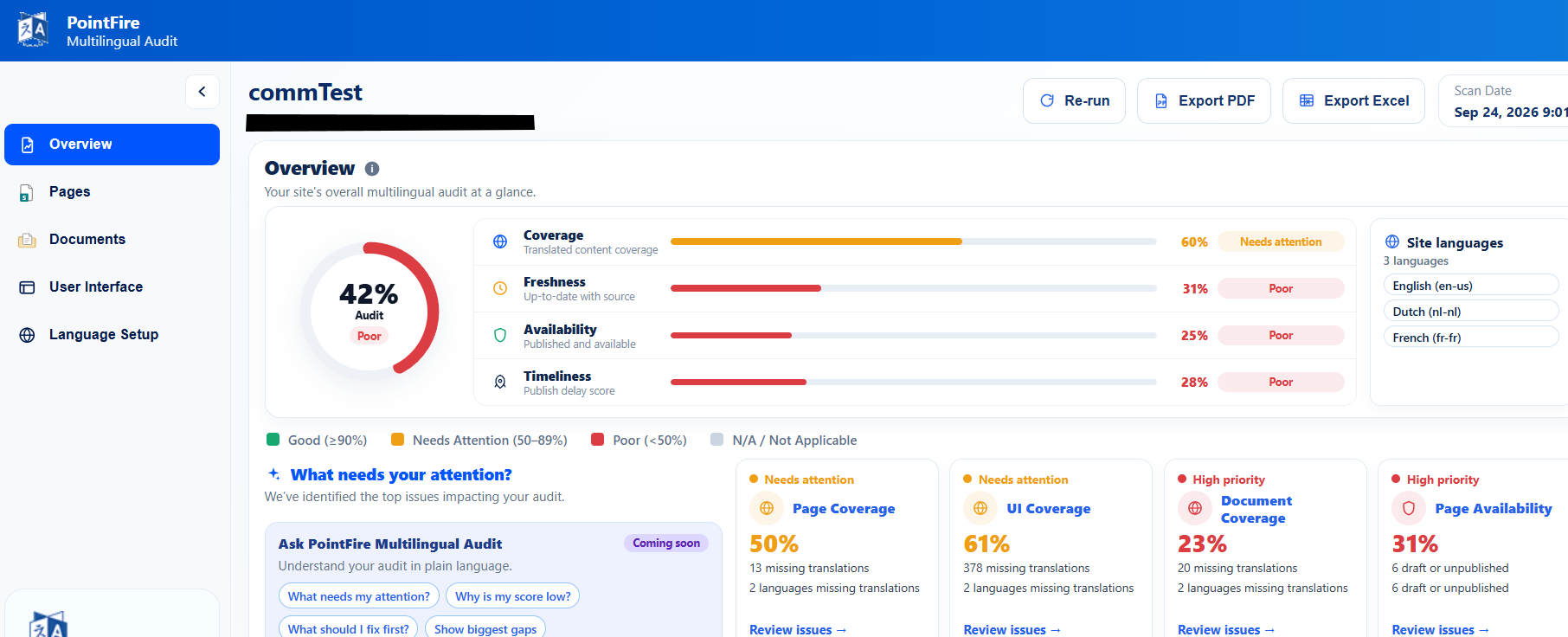
The upcoming free language audit app uses these hidden relationships between a document and its translations, among others, to help you determine what documents, pages, and UI elements have yet to be translated or require re-translation, whatever method you used to translate your site.
Make multilingual SharePoint easier.
Try PointFire in your own SharePoint environment and see how it works for your team.