New SharePoint Knowledge Base feature has no multilingual support. Or does it?
The new knowledge base feature is rolling out in Frontier preview. As with HTML pages a month earlier, in early October 2026, if your site must be multilingual, you cannot use this new feature
In brief
The new markdown-formatted Knowledge Base feature in SharePoint has no multilingual support. If your site must be bilingual or multilingual, you can't use or its AI features, because it's meant for both AI and human use. But there is a solution.
Once again, Microsoft is releasing a new page type that has no multilingual solution. The new knowledge base feature is rolling out in Frontier preview. As with HTML pages a month earlier, in early October 2026, if your site must be bilingual or multilingual, you cannot use this new feature or the AI features built around how knowledge bases are created and used.
A Knowledge Base is a specialized library of interconnected Markdown (.md) files hosted on a SharePoint site. These files are typically generated by Copilot from files, emails, meeting notes and similar sources, but they can also be created manually. In practice, it is a document library with a dedicated viewer for sets of Markdown files. Like HTML files, it has a special viewer that makes it appear, fully formatted, withing a SharePoint page.
Instead of having employees search through documents, their own emails, meeting notes and other sources, Copilot can synthesize that information into structured knowledge articles written in Markdown. These articles are human readable and human editable, similar to the old classic wikis, but the major use case is to have them generated by Copilot and then later used as context by Copilot. It is a shared repository intended for both humans and AI agents, and it can be an individual KB, a site KB, or a widely shared one. Because these articles are created by an individual, or by Copilot using that individual's permissions, the creator of the knowledge base must use judgment about how to share the files. You can use individual file permissions, but sensitivity labels are not supported.
Why does this matter for multilingual organizations? Microsoft positions the knowledge base as the shared context that both people and Copilot rely on, so anything that exists in only one language is out of reach for colleagues, customers and agents working in another language.
One feature is completely absent: a multilingual solution. There is no language switcher, no translate button, and not even a framework for using more than one language. Because these pages are actually documents rather than pages, and are not in a page library, they cannot inherit the native multilingual functionality of SharePoint. You're on your own.
The solution
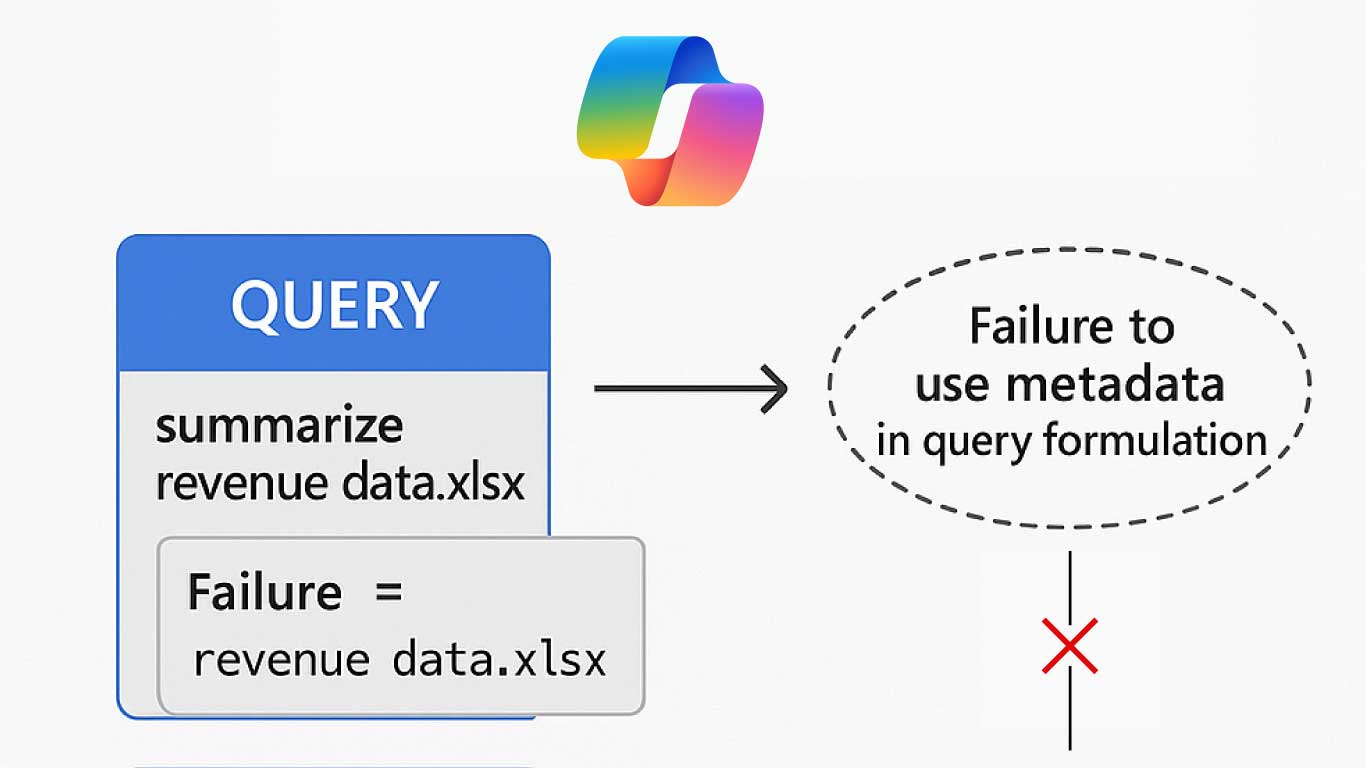
However, PointFire has solved the problem. Just as we did for translating HTML pages in SharePoint, PointFire adds the ability to translate, a language toggle, and the metadata that keeps each translation tied to its source file.
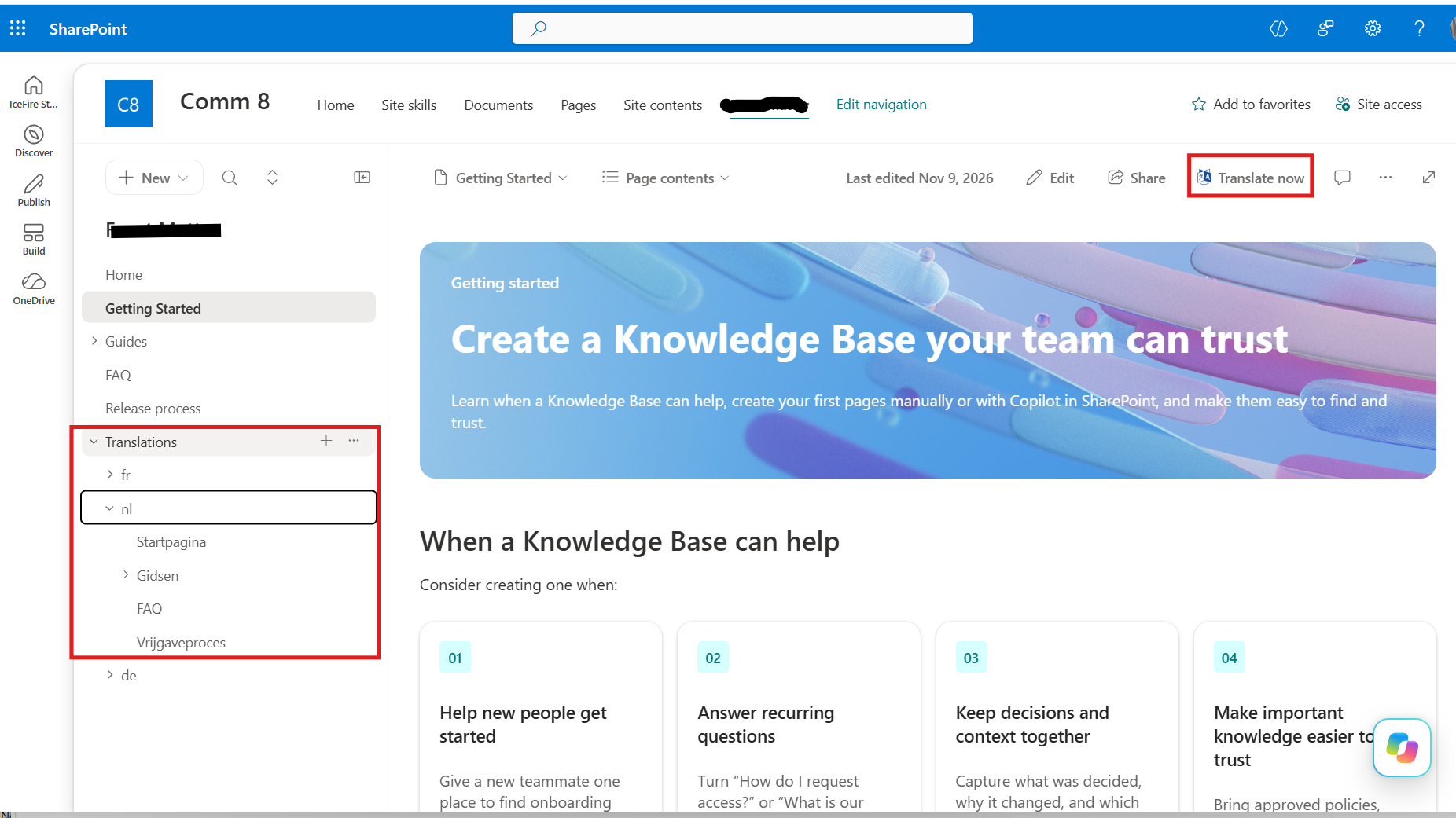
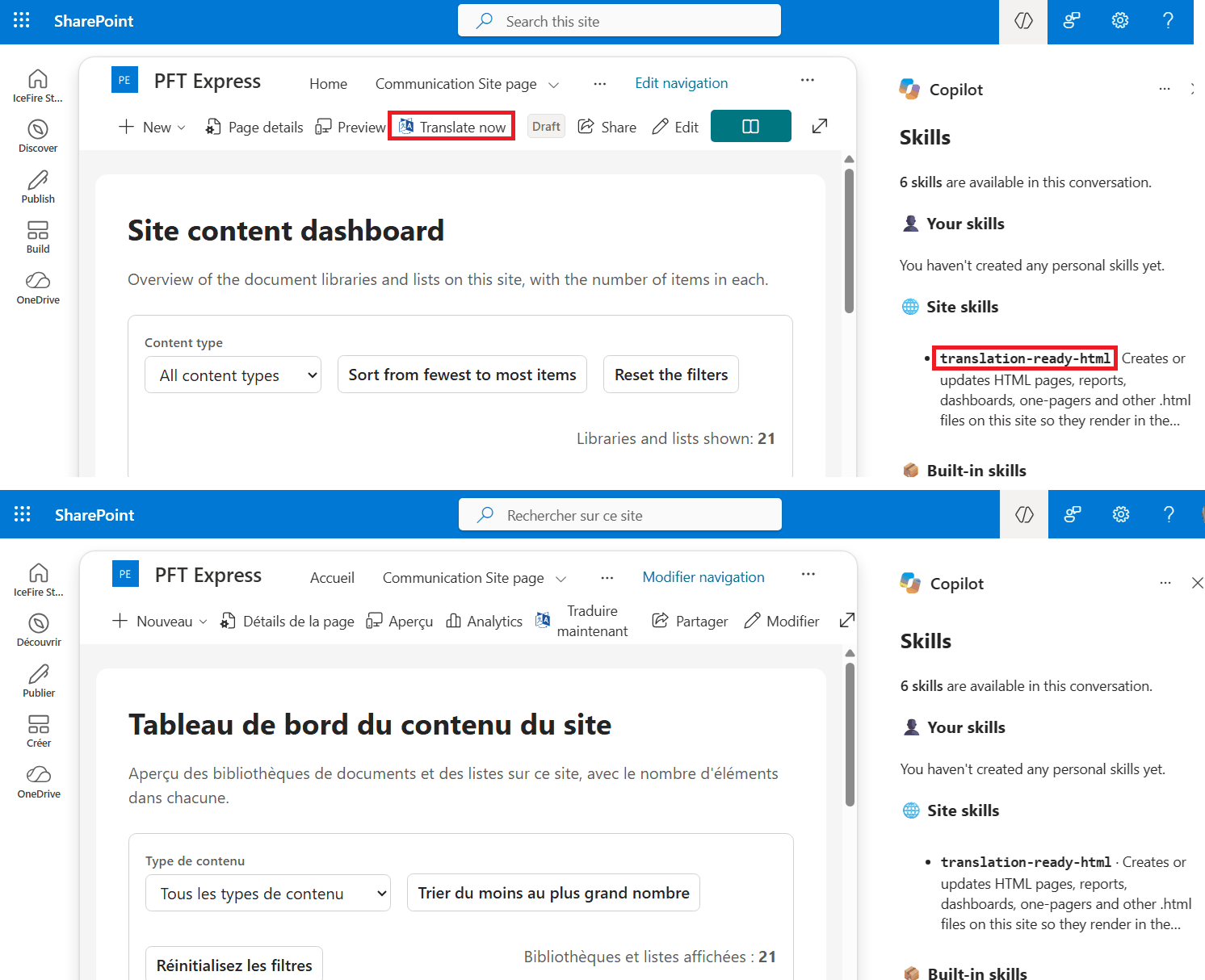
At the top of the page, in the command bar, you will see a "Translate now" button, identical to the one in a page library. It is added by PointFire Translator Express, with the difference that here it does not replace a "Translation" button. It translates the file behind the Markdown page being displayed into one or more languages. To translate many files, or the entire knowledge base, at once, go to the document library, switch it to Library view, multi-select the files and/or folders, and select the languages you want. The same list of languages that you selected when you made the page library multilingual applies here as well. If you later edit or re-generate the source-language version of a knowledge base page, PointFire reminds you that the translation is stale and lets you re-translate it.
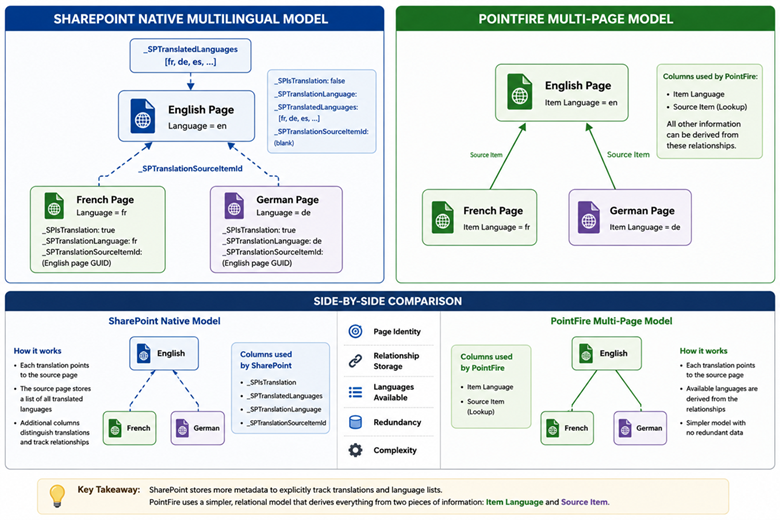
The translations are placed in a folder called "Translations", with an individual folder for each language. It would work even if we hadn't done this, but because SharePoint builds the left navigation dynamically from the folders, this arrangement is less confusing for users. The translator uses the same glossary list as for pages and documents, to ensure consistent vocabulary across all translated site content. As with any other pages, if you share individual Markdown pages, make sure to share the page's translations as well. And because PointFire fields are used, you can set up cascading delete of translations when the source file is deleted.
PointFire 365 handles that language toggle and the page redirection by language. Unlike the out-of-the-box toggle, the PointFire 365 toggle changes the language of the user interface as well as the language of the content. So when you follow the URL of the English version of a knowledge base page when your language is Dutch, you will see the Dutch version of that page, if it exists.
So let's revise that earlier statement. As with HTML pages a month before, if your site must be multilingual, you are cut off from this new feature and the AI features associated with it, unless you have the PointFire apps installed. If you are trying Knowledge Bases in the Frontier preview on a multilingual site, this is the time to test PointFire alongside it.
Make multilingual SharePoint easier.
Try PointFire in your own SharePoint environment and see how it works for your team.